
For the sessions that run long in a dark room
NoLight is an iPhone camera built for the sessions that run long in a dark room — a concert, a lecture, a rehearsal, a two-hour meeting. It keeps recording while the screen goes dark, so the phone does not light up the room around you for the whole session.
It reached the App Store on 7 September 2026. iPhone only, iOS 17 and later.
Three things the stock camera does not do
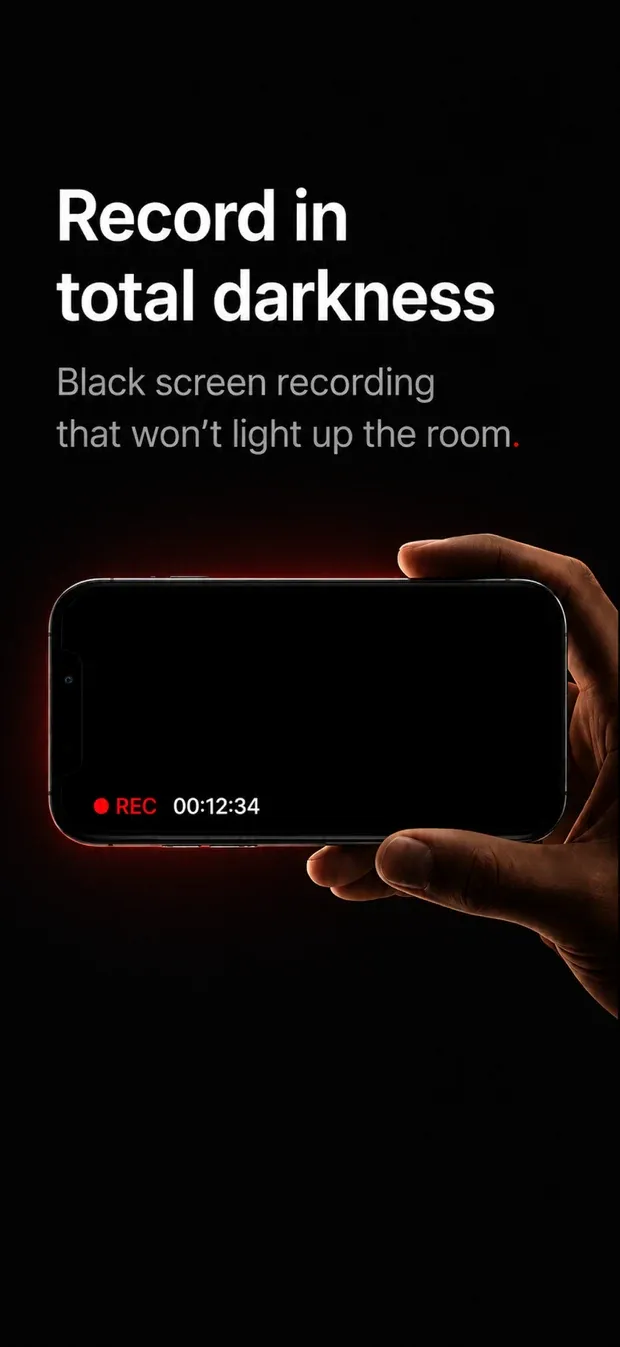
The screen goes dark while the recording continues. Not a screensaver and not a locked phone — the app stays open in the foreground, sets the display to zero brightness and draws a plain dark view. The reason is the whole point: a bright viewfinder held up for ninety minutes lights up the room and everyone sitting near you.
Long recordings survive being interrupted. The video is written in five-second fragments rather than held open as one file until you press stop, so a session that ends badly — a crash, a low-battery shutdown, a force quit — leaves a playable file instead of an unreadable one. On a 135-second test recording, the finished file’s duration was 0.053 seconds off the wall clock.
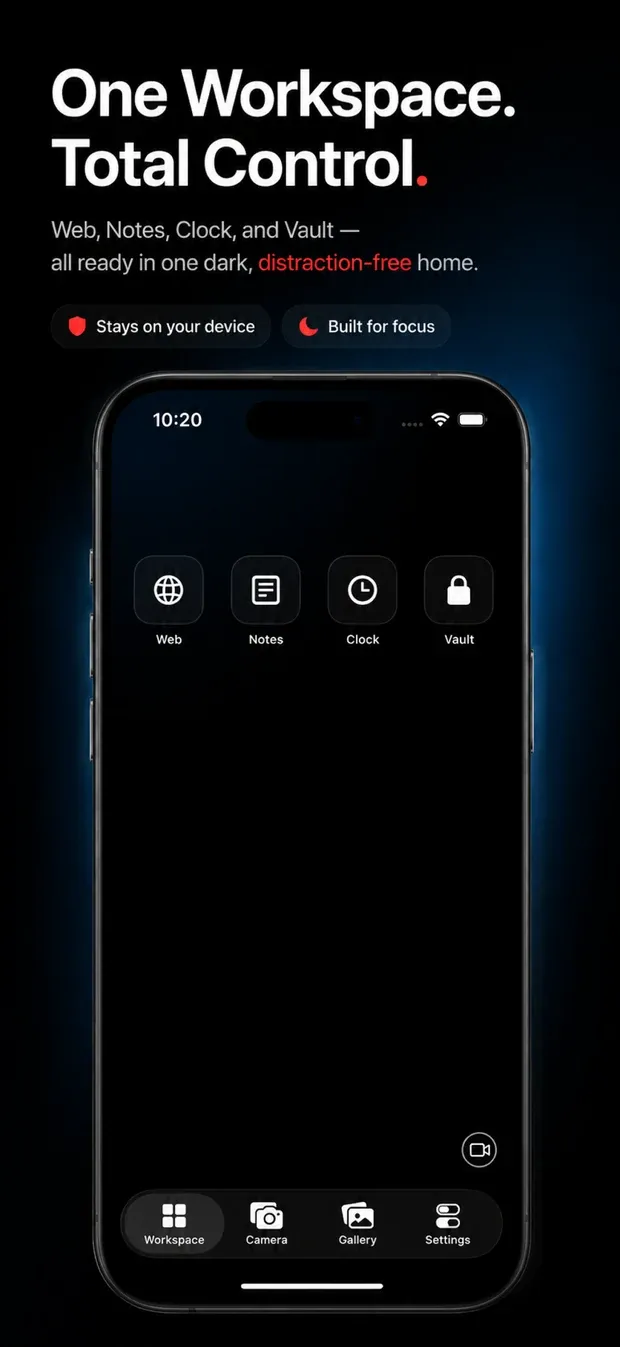
You can keep using the phone. Workspace puts a web browser, notes and a clock inside the app. Switching between them does not interrupt the recording.
The recording indicator never turns off
Whenever NoLight is recording, an indicator is on screen. There is no setting, no gesture, and no code path anywhere in the app that hides it.
- Camera tab — a red dot and an elapsed timer over the live preview.
- Every other tab — a full-width bar with a moving ring, the timer, and Stop.
- While the screen is dark — a dot, the word REC, and the gesture that brings the screen back.
That is a requirement of App Store Guideline 2.5.14, and it is also the right behaviour on its own terms: a phone that is recording should look like a phone that is recording.
What it does not do
- No background recording, and nothing while the phone is locked. iOS does not allow it for any third-party app, and NoLight does not try to work around it. There is more on that in Can an iPhone record video with the screen off?
- No interference with the system indicators. iOS draws its own green camera dot, and NoLight leaves it alone.
- No accounts, no server, no analytics. Recordings are saved on your device inside the app. Files leave it only when you choose to export or share them.
Vault
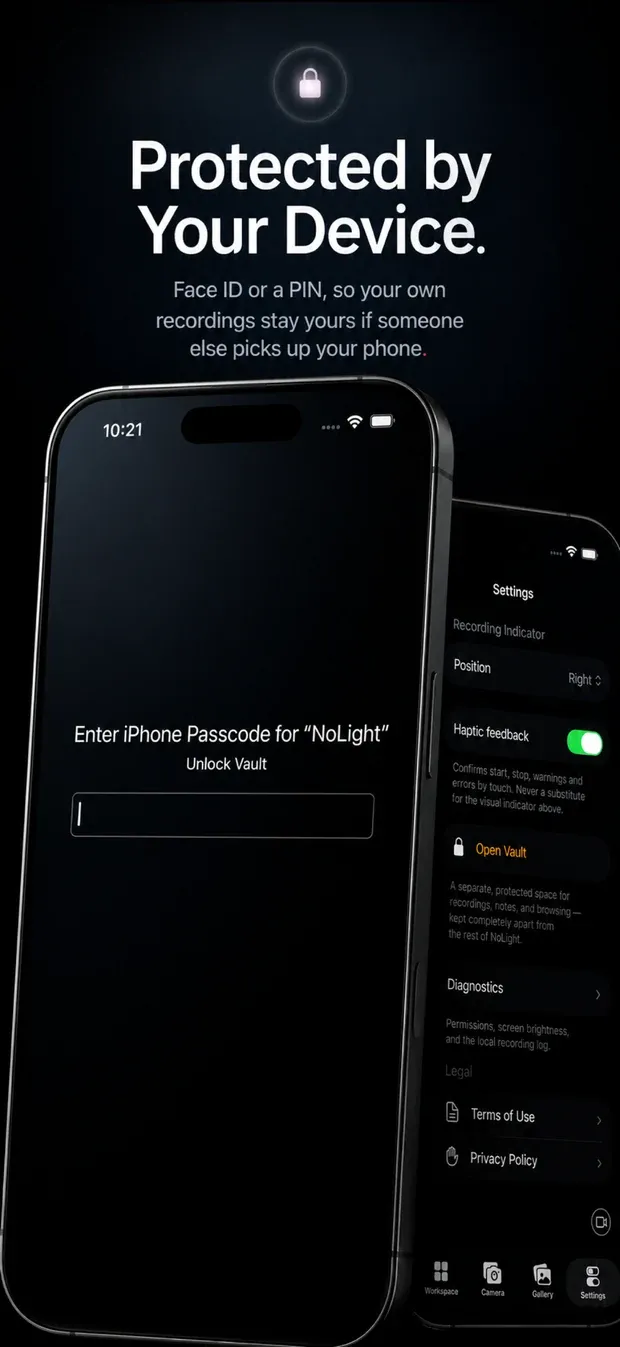
Vault is an optional second space inside the app, unlocked with Face ID or a PIN you choose. Recordings, notes and browsing kept there stay apart from the rest of the app — much like the Hidden album in Photos, or a Face ID–locked folder in Notes. It protects your own material from someone else picking up your unlocked phone, and it changes nothing about how recording is indicated.
Written about it
- Can an iPhone record video with the screen off?
- How to record a long video on iPhone without losing the file